

|
|
|
|

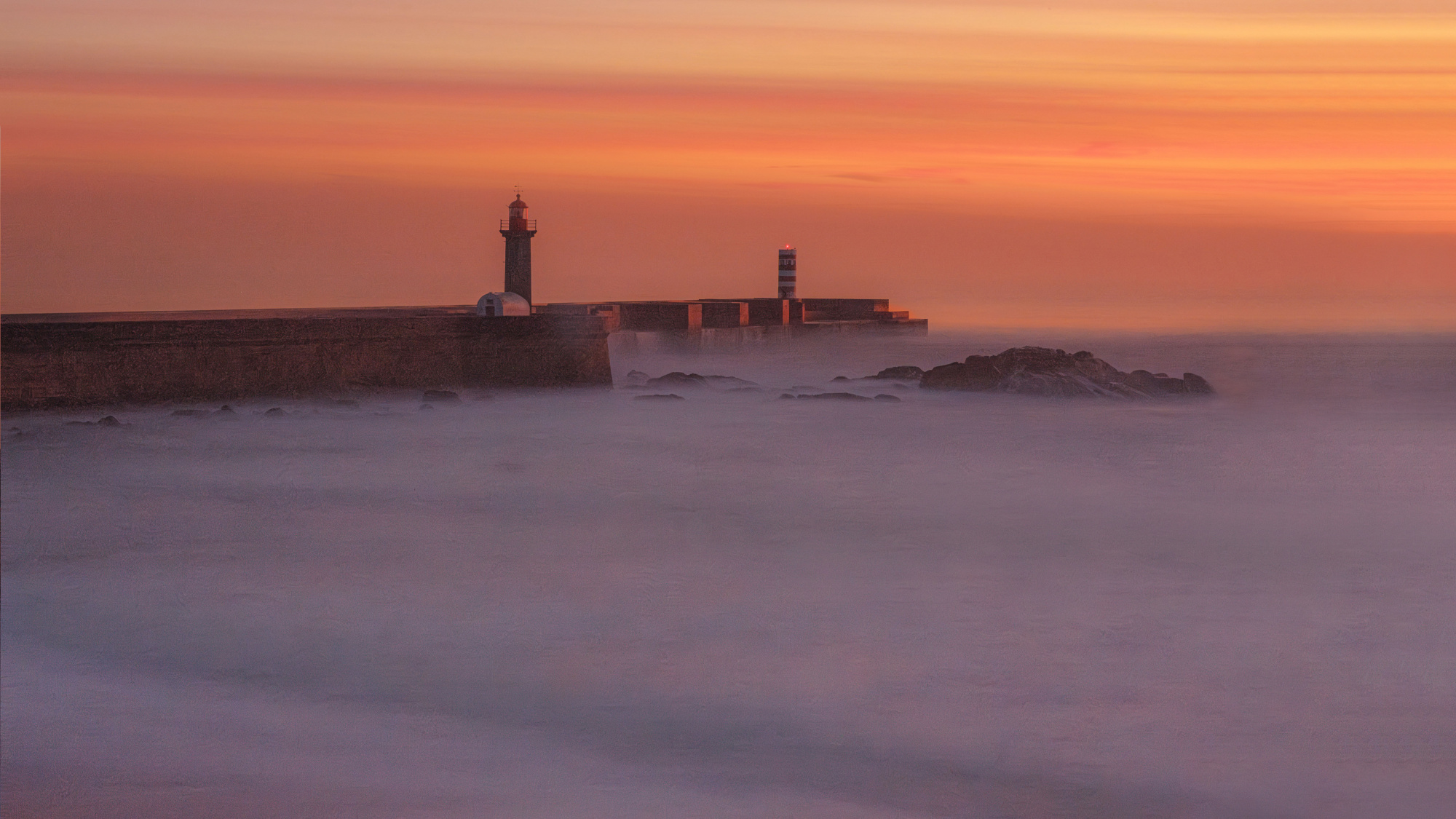
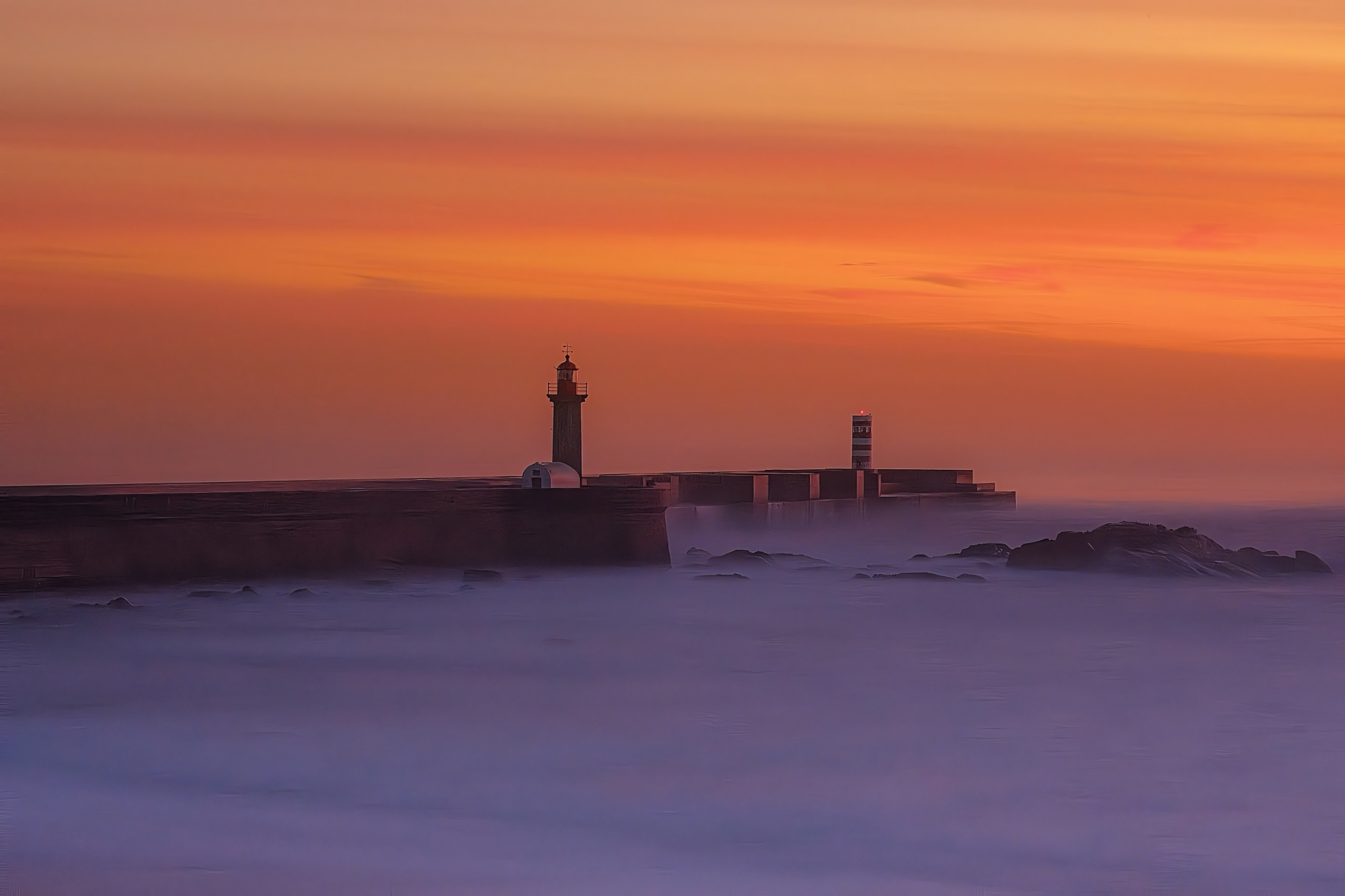
I turn to the Forum, as on other occasions, to improve my skills, as I am an amateur and self-taught. The thing is, I've never tried long exposure before, even though I'm sometimes fascinated by some of your good photographers' images.
First of all, I know my hardware is average and I can't upgrade either.
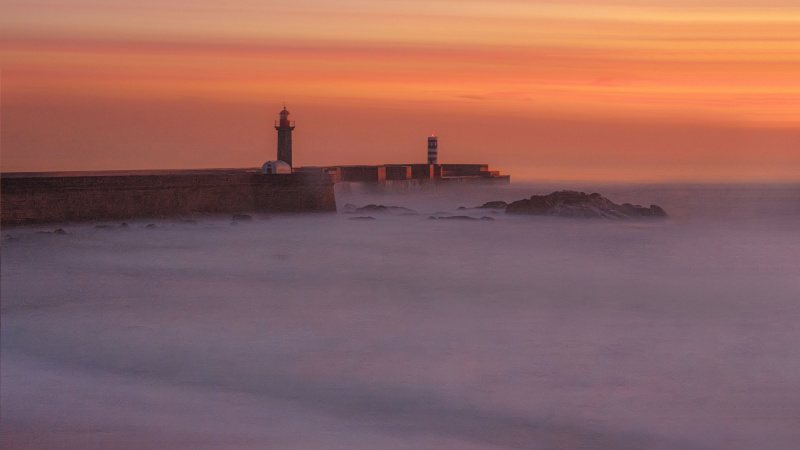
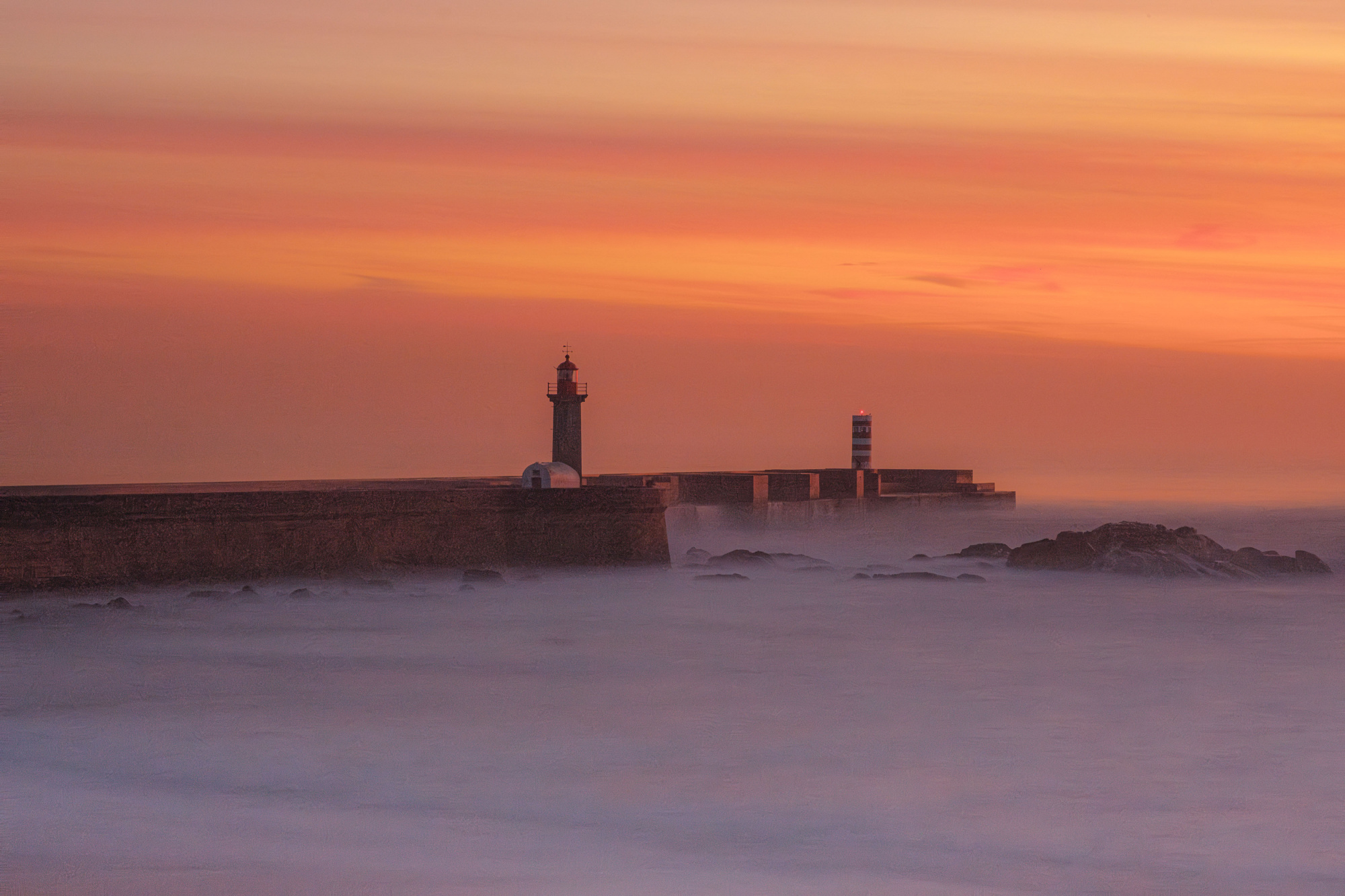
This image is the obvious result of this limitation
I'm immediately faced with something that seems ridiculous but is a puzzle to me: the classification: Landscape? Abstract? Performance?
The motif, the time, the nature of things... everything counts - but, when processing, the image resulting from 1s or 30s or even 60s is not always to be expected - and it turns out that the testimonials in writing or on YouTube have confused me the most... although I recognize that they were useful at first
So, I believe that only the practice of dealing with the situation will satisfy me (and when I send it to the curators, it's always with the intention of gauging these results and not for any other purpose).
That's why I'm sending you this image for critique, so that you can get some guidance on what to do next, because I'd like to be able to do this kind of photography.
Thank you in advance for your interest and cooperation
Camera: Fuji X-S10 Fuji 56 mm 1.2R 84 mm ISO160 F/16 S: 30sec 5ev Filter ND 10.0 Tripé
Hello Roberto,
Welcome to our forum page. Thank you for uploading your long exposure image. For about eight years I've started shooting with a cropped sensor camera which was of average quality. I did not have neutral density filters. I was very much into experimenting, and I did this during my summer holidays. It's elect filters. I preferred shooting at dawn or it's sunsets. When I look at those images, I can say that the quality of the image I took improved every day. I used bulb mode and 100 ISO settings. The histogram helped me a lot to determine the shutter speed. Now walking back at the images, I can say that the worst images were those that I could not compose well. At that time I did not have much experience in using Photoshop or Lightroom. I shot raw files. However, I mainly regarded an image as bad when the colors did not match what I saw. Looking back now, I can say that I was also a very bad judge of images then. The worst images were actually those that had a bad composition or that had no subject at all. I just shot long exposures to learn, shooting them at any place I could. Why am I telling you this? It's because I think it a good strategy and technical knowledge, you can take good long exposure images. I also took some good ones by placing my camera on some stone without using a tripod. Looking at your image above, I can say that your composition could have been better, your shutter speed could have been better, and the management of the ISO could have been better. For the composition, I will say the rule of thirds would have been brought considering. As for the shutter speed would have used the bulb mode and regarding the ISO settings I would have chosen 100 or maybe 1600 at most. I'm not a landscape photographer and I have friends with much better knowledge on this genre. Yet I think the problem with the image above isis not the quality of the camera. Another point I want to stay here it's about 1x. if you're resulting image has quite some noise, and if the colors appear wrong, because of the quality of the camera, there is still a high chance to get your image, published or even awarded. That goes through one fact only. Having an original image with an original message, and an artistic vlbe. I have photographer friends who with a plastic camera or a cheap camera but have great jaw dropping images. I wish you good light.Cicek

Hi Jorge,
this is a very nice photo and I only have two small suggestions for improvement: Remove noise and increase color and sharpness. I thought about the perfect cut and decided to leave everything as it is.
Greetings
Udo
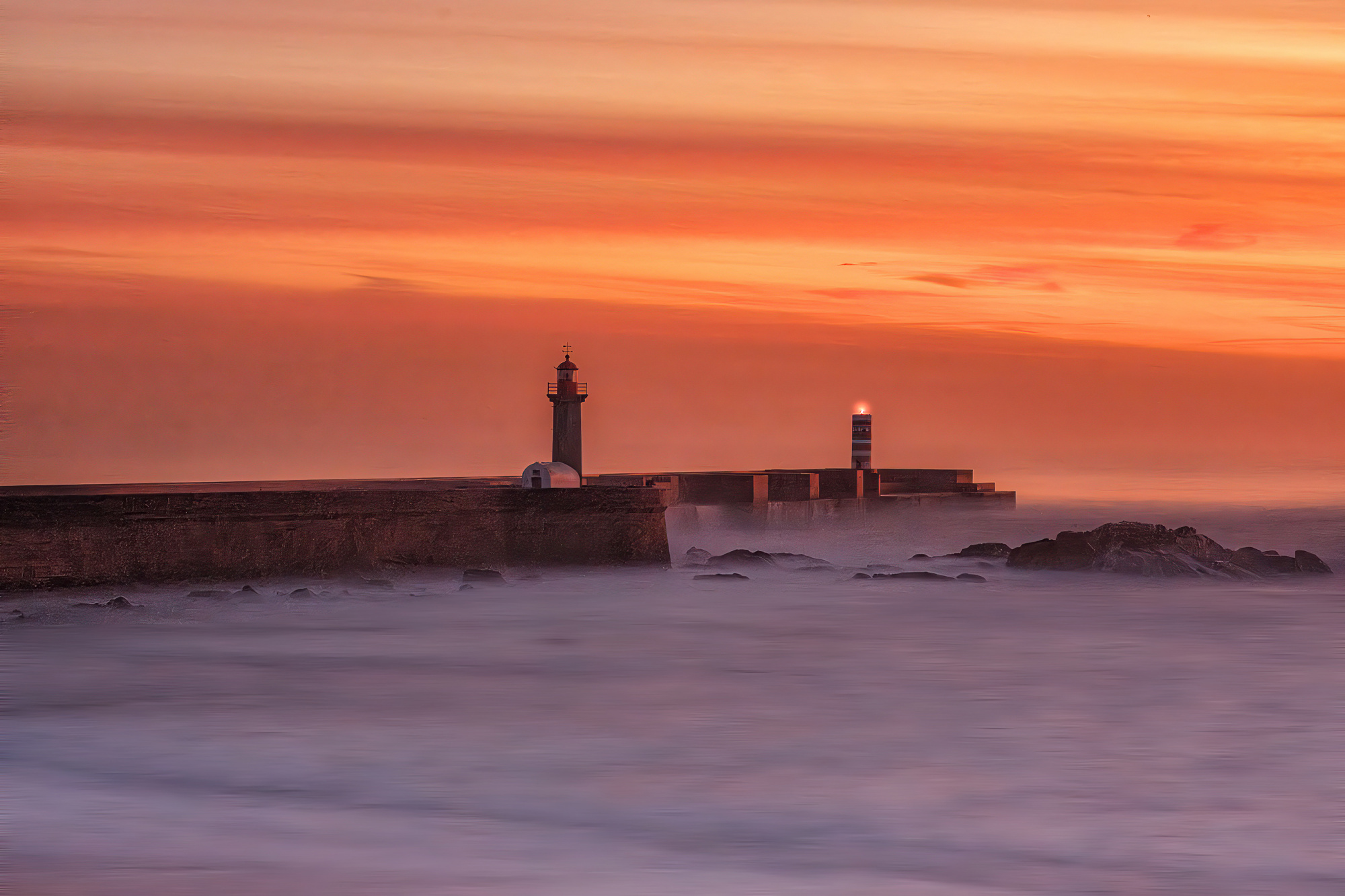
Hi Jorge welcome great looking image you have there well captured. - This is my take on your fine image just a few things to think about - I tend to go for the power of impact. I like the composition so no change - Nik Tools Tonal Contrast to add contrast and colour - Topaz AI Sharpen with noise reduction for that Pro look. - I thought the forground water looked wrong with extra texture do I selected it and used Motion blurr to correct it. Last I maade the light brighter and glow on the tower.
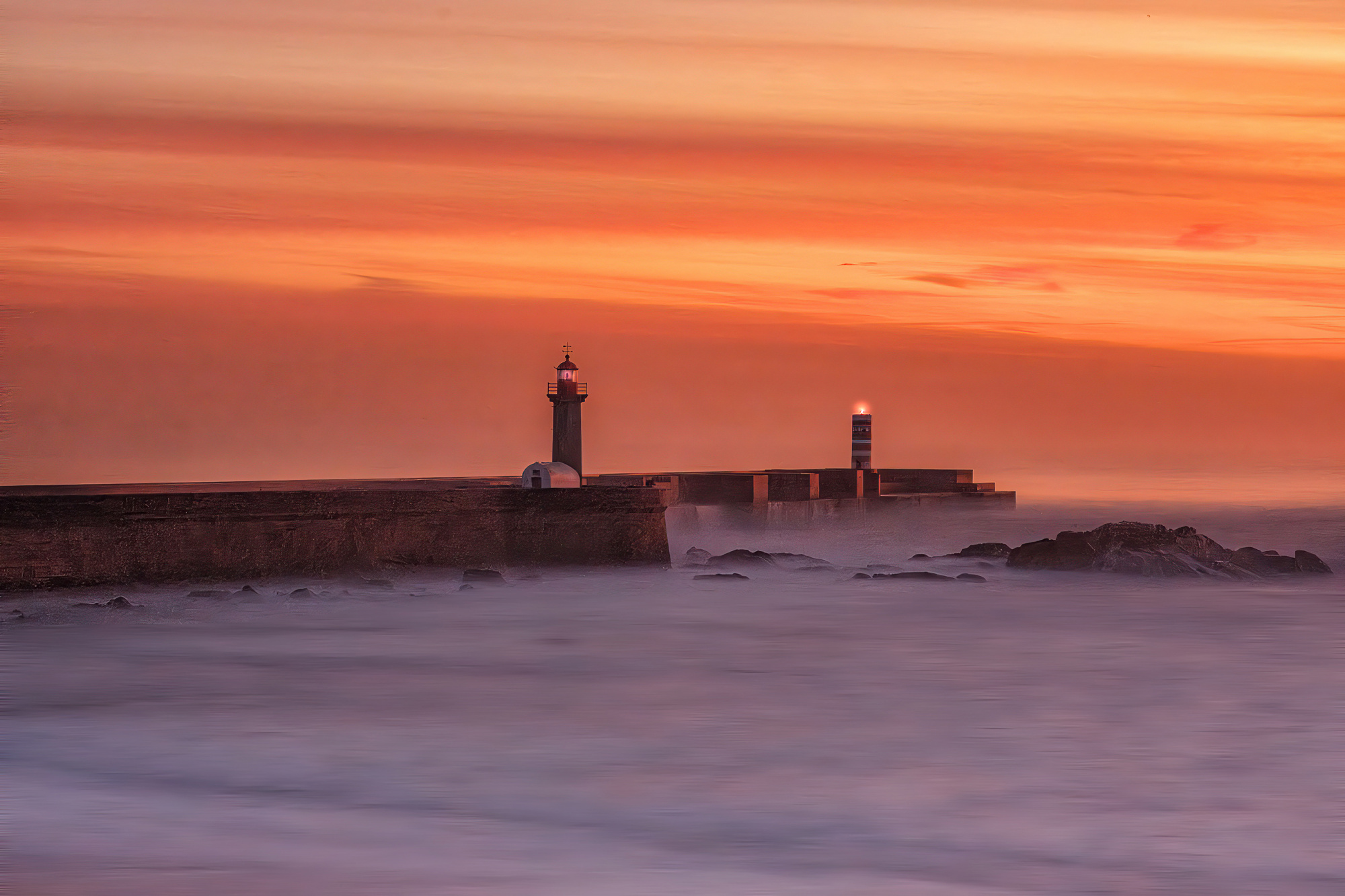
With both lit - Danny
Jorge,
Thank you for posting this seascape photo. You asked about category and suggested Landscape, Abstract, and Performance. It's a pity that we have to squeeze our images into categories, but I think it may be helpful to people who want to buy photographs. I'd suggest 'Landscape'.
Cicek mentioned composition and the rule of thirds, so I worked on a screen capture with that in mind. Since we tend to read photos left to right, I thought more space on the right side would help that 'flow'. I hope you're a Photoshop user. The Crop tool has a 'Content Aware' option that can add some space to the right side of the image. First click the little gear icon at the top and de-select 'Classic Mode'. There is a drop-down menu where you can choose 'Content Aware Fill'. Drag the cursor over the entire image area, then pull the right side to the right to add space. When you click 'Enter' Photoshop will add detail into that blank space.
To move the horizon closer to the 'thirds' position, the 'Edit>Transform>Scale' was used. A rectangular selection of the sky was made and the height was compressed with 'Scale'. Holding the Shift key down while using the Transform tools will restrict the transformation to one dimension - either height or width. The same procedure was used to add height to the bottom part of the frame.
I used the 'Burn' tool to enhance the wave pattern at the bottom of the frame, and touched parts of the pier with the Sponge tool set to Saturate to add a bit of colour to the highlights there.
Just suggestions. The 'thirds' rule isn't a strict requirement for landscapes, but it can give a sense of visual harmony. Wide panoramic frames can feel restful, and that makes them suitable for gentle scenes such as the one you photographed.
. . . . Steven, senior critic